Local AI app with Gemma 4, Pydantic AI, and FLUX
I've been experimenting with local AI models lately. Last weekend I hacked together a quick recipe generator app with Claude Code as a way to try out the full local stack: Gemma 4 via Ollama for text, FLUX.1-schnell via the diffusers library for image generation, and Pydantic AI to wire it all up. A couple of hours of building, plus another hour or so of troubleshooting during the video recording.
A few things worth sharing.
Picking a Gemma 4 variant
Google's Gemma 4 family covers a wide range. The smallest model (E2B, 2.3B parameters) runs well on my Pixel 10 Pro — handy when I'm traveling without internet. The 26B A4B MoE (Mixture-of-Experts) model works well for interactive chat on my laptop. For programmatic use with Python and Pydantic AI, the 4.5B E4B has been the most reliable for me.
Getting structured output to work
Pydantic AI defaults to ToolOutput — getting structured data back via tool calls. That works well with Gemini, but I was getting unreliable results with Gemma 4 via Ollama. Two changes fixed it:
- Lower the temperature to 0.2.
- Switch from
ToolOutputtoNativeOutput. For Ollama, this maps to theformatparameter with a JSON schema, which uses server-side constrained decoding. The model is forced to produce tokens that match the schema, rather than having to figure out how to format a tool call correctly. Less for a smaller model to get wrong.
Image generation with FLUX.1-schnell
On a 4090, FLUX generation is fast — a few seconds per image, no memory optimization tricks needed. Easy to set up via Hugging Face's diffusers library.
The one annoying thing: uv kept silently installing the CPU build of PyTorch, even after explicitly reinstalling the CUDA version. Every uv sync would revert it. The fix is to pin the CUDA wheel index in pyproject.toml:
[[tool.uv.index]]
url = "https://download.pytorch.org/whl/cu126"
name = "pytorch-cuda"
explicit = true

[tool.uv.sources]
torch = { index = "pytorch-cuda" }
torchvision = { index = "pytorch-cuda" }
The result
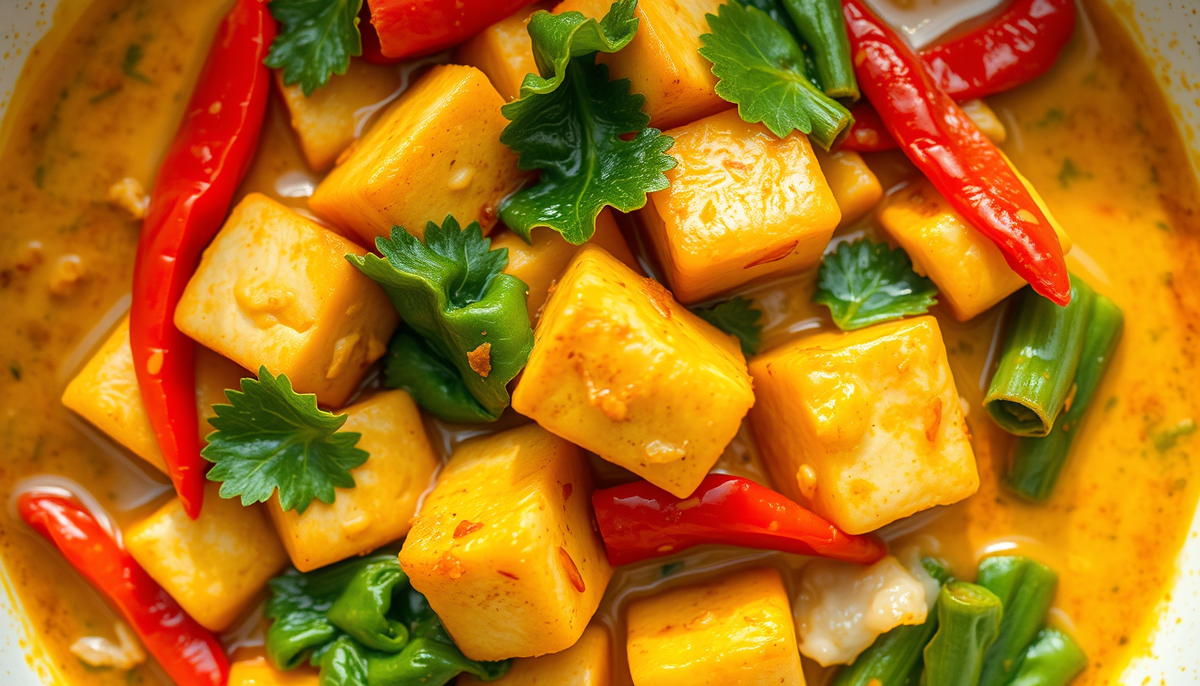
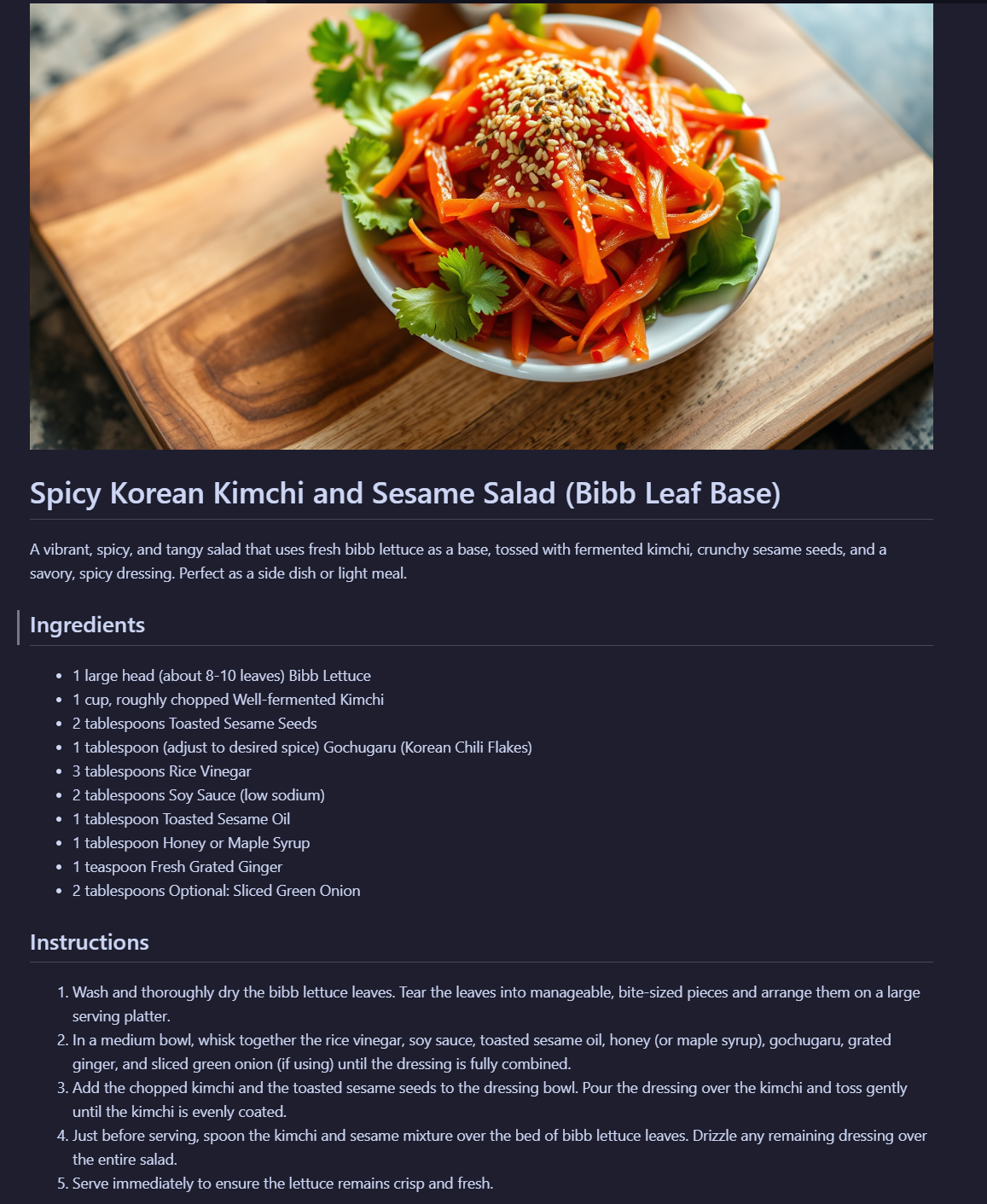
A simple pipeline: I tell the app what I'm in the mood for, it suggests a few dishes, I pick one, and it generates a structured recipe plus an AI-generated image of the dish. All running locally, no API keys.
Quality isn't quite at Gemini 2.5 Pro level, but for a quick experiment with local models on consumer hardware, it works well.
Watch the build
I captured the whole thing — including the troubleshooting — in a video on YouTube.
You can also find the accompanying project files on GitHub: gammavibe-labs/local-recipe-generator
If you want to build something more substantial — a full autonomous AI pipeline like the one that powers GammaVibe — grab the free Agentic Pipeline Blueprint and get on the waitlist for the upcoming course.
-Mirko